About Sensors
The basics of handling a sensor: charging it, waking it, resetting it, and reading the light on it.
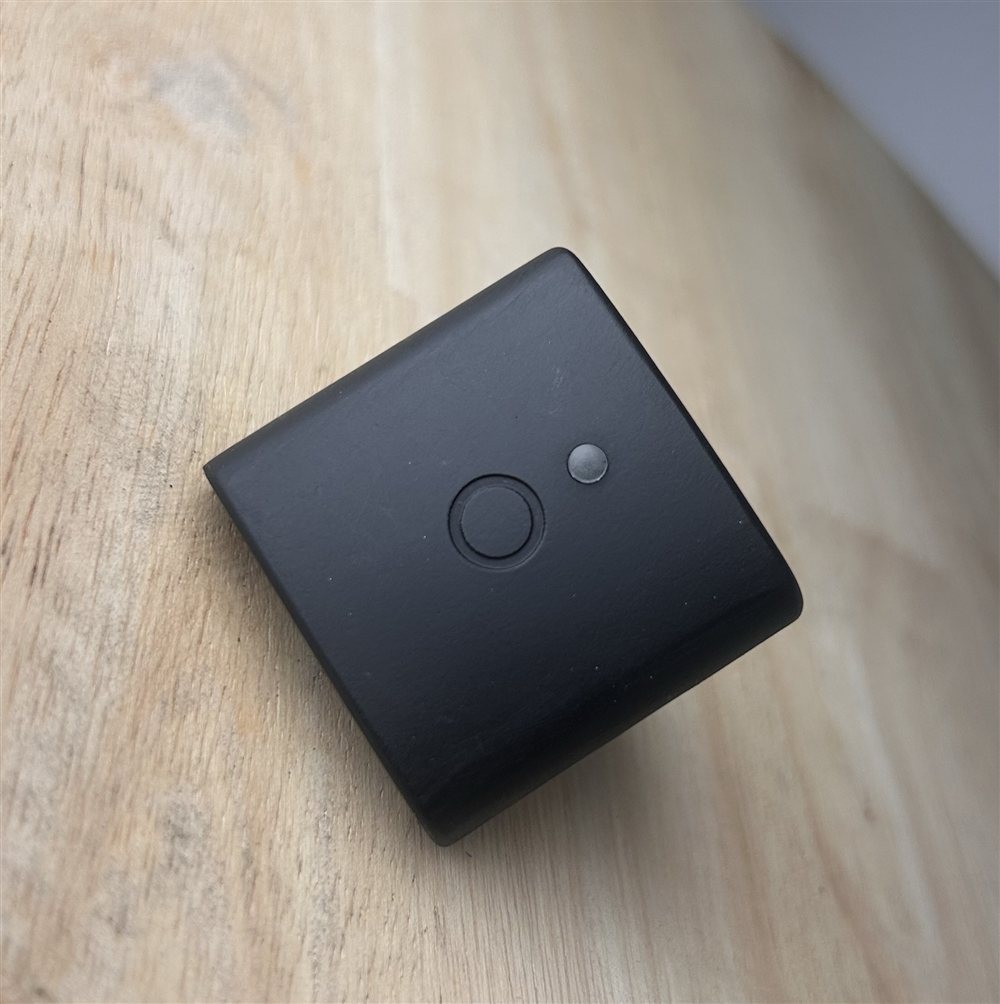
Charging
Each sensor charges from any USB-C cable and charger. Check a sensor’s battery level in the app.
The app shows one of four battery levels. Roughly how long a sensor keeps recording on each, while streaming:
| Battery level | Cell voltage | Charge left | Recording time left |
|---|---|---|---|
| HIGH | above 3.5 V | 30 to 100% | 24+ hours |
| MED | 3.3 to 3.5 V | 5 to 30% | about 9 hours |
| LOW | 3.3 V or below | 0 to 5% | about 30 minutes |
| NO BATTERY | 0 V (no reading) | 0% | 0 minutes, recharge now |
The last part of the battery drains fast: a sensor drops from MED to empty much quicker than it falls from full to MED. If you have more recording to do, recharge as soon as you see LOW.
Waking and sleeping
A sensor is either awake or asleep. It sleeps to save battery and wakes automatically when you pick it up or move it. An asleep sensor shows no light and will not appear in the app until it wakes.
Reset button
There is a small reset button next to the USB-C port. If a sensor does not wake on movement, or stops responding, press the reset button and it will restart.
LED light patterns
The sensor has a single multi-colour LED that shows what the device is doing. The colour tells you the broad state; the pattern (solid, breathing, or blinking) tells you the mode within that state.
| What the sensor is doing | Colour | Pattern |
|---|---|---|
| Idle, waiting for connection | User Define | Breathing (smooth fade up and down) |
| Connected, not recording | User Define | Solid |
| Recording (streaming data) | User Define | Blinking (short on, longer off) |
| Error | Red | Solid |
| Deep sleep | No light | - |
Breathing means the light fades smoothly up and down. You see this while the sensor is powered on and waiting to connect (or after it disconnects and returns to waiting).
Blinking (recording) is a distinct on/off rhythm. This is the pattern to look for to confirm a sensor is actively recording.
Solid means steady, constant light with no change. Used for the connected and error states.
Notes
- Colours can be customised. The sensor colour (used for the idle, connected, and recording states) can be changed per sensor from the app, so a deployment may use different colours.
- No light at all means the sensor is asleep or the battery is fully depleted.